Most home internet problems are temporary. A modem or router may stop responding even though the service itself is still available. The familiar solution is to unplug the equipment, wait, and plug it back in. A router rebooter is designed to automate that routine.
How does it work?
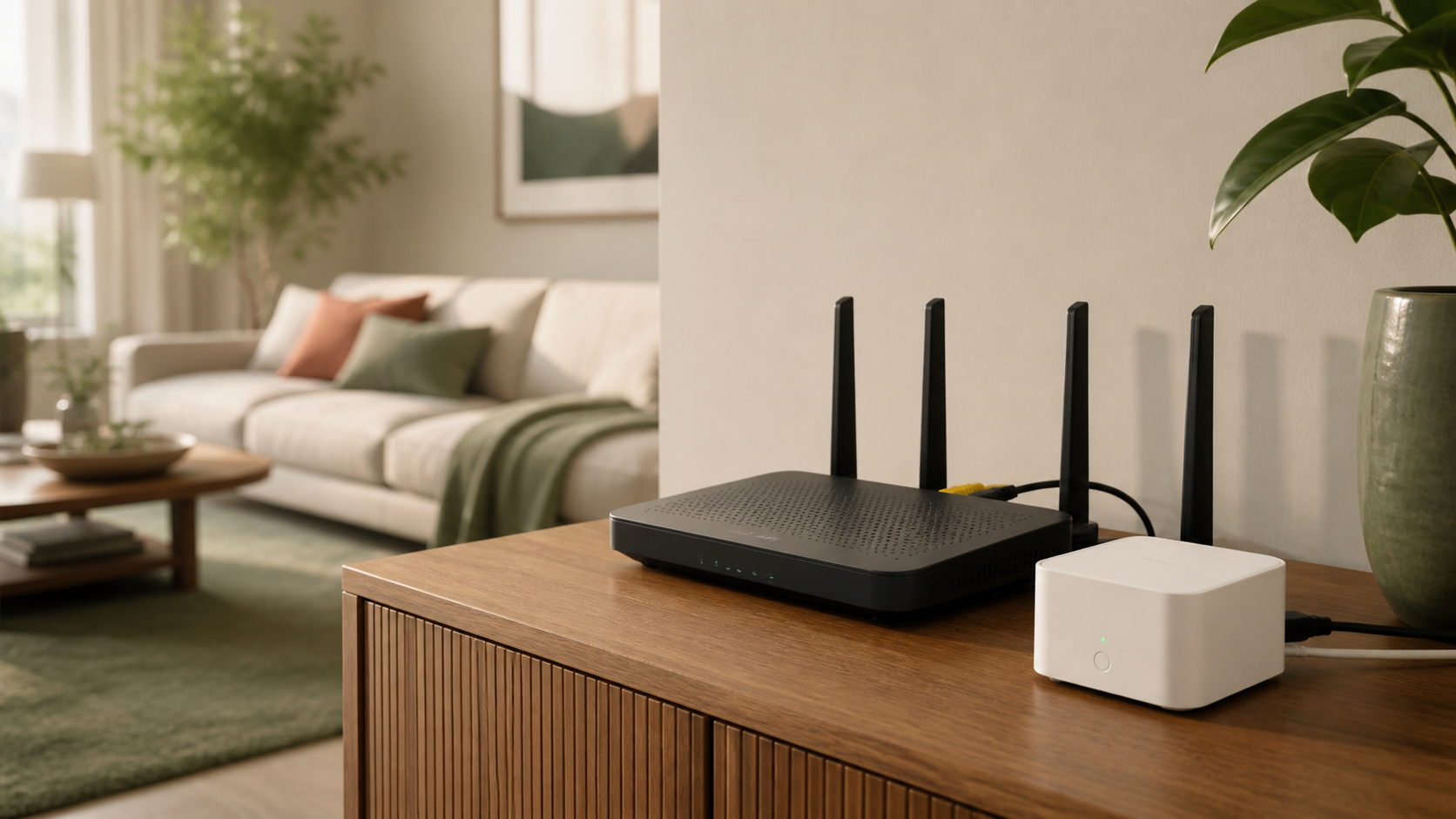
A device such as Keep Connect sits between the wall outlet and your router or modem. It checks whether an internet connection is available. When it detects that the connection has failed, it briefly removes power from the connected equipment and then turns it back on.
After the router or modem finishes restarting, the device checks the connection again. This can be especially helpful when the equipment is in a remote property, office, vacation rental, or another location that is inconvenient to visit.
Who might find it useful?
- Homes with occasional router lockups
- Remote properties and vacation homes
- Security-camera systems that depend on Wi-Fi
- Small offices without on-site technical support
- Anyone who regularly fixes outages by power-cycling a router
What it cannot fix
A router rebooter is not a cure for every internet problem. It cannot repair a damaged cable, restore an outage at your internet provider, improve a weak Wi-Fi signal, or replace an outdated router. It is most useful when restarting the equipment usually restores the connection.
Before buying
Check that the device is compatible with your router or modem, that its outlet and power rating suit your equipment, and that its monitoring method works with your network. If you use separate modem and router units, review whether one or both should be connected.
Product availability, features, and pricing can change. Review the current Amazon listing and manufacturer instructions before purchasing or installing the device.